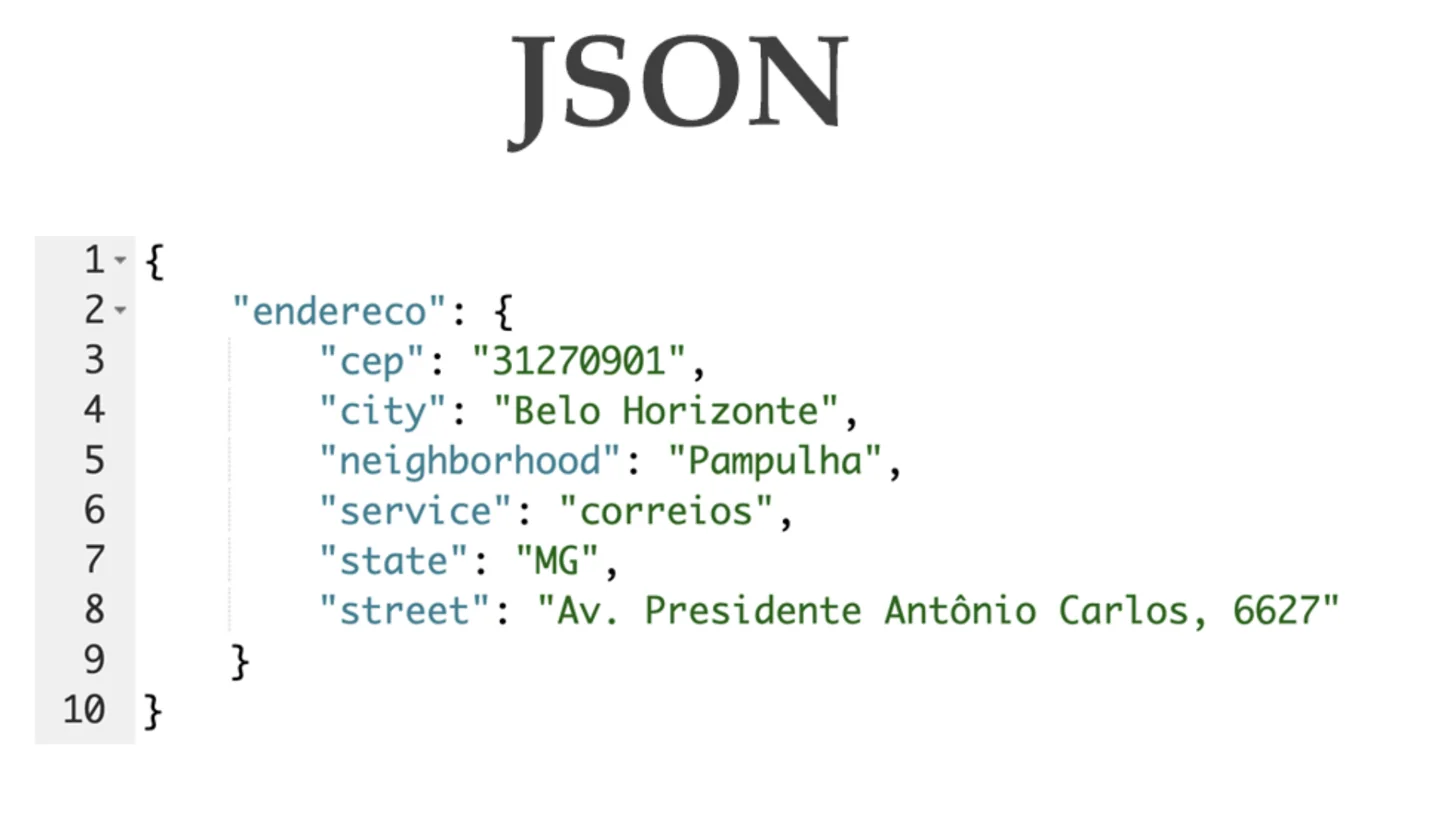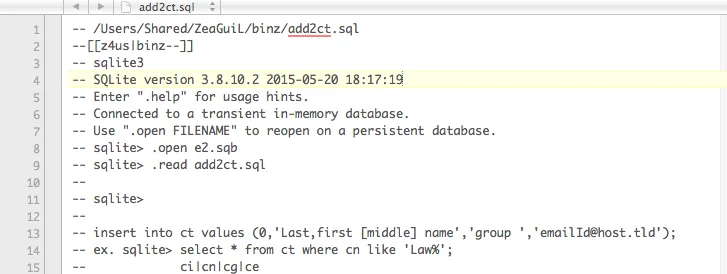
A failing test is easier to investigate when its data can be recreated exactly. Random-looking records are useful for variety, but a changing dataset can hide the difference between a product regression and a different input. This workflow keeps a fixture specification, a generated JSON snapshot, an explicit change and a SQL export together so another developer can reproduce the same small case.
Give the fixture a narrow purpose
Choose one behavior to test, such as displaying a disabled account without a contact address. Write that expected behavior before generating records. A hundred arbitrary users will not necessarily contain the boundary your test needs. Start with two or three records, then deliberately add the values that distinguish correct handling from an accidental success.
Use synthetic names and example-domain addresses rather than copying a production table. Realistic formatting is useful; real customer information is unnecessary for this task. Also separate display fixtures from performance datasets. A tiny, readable case is better for explaining a null-handling bug, while a larger dataset may be appropriate for a different, explicitly measured workload.
Make the first generation independently predictable
In the seeded JSON fixture generator, enter this field specification, set the record count to two and choose a seed such as fixture-v1:
{"id":"sequence","score":"integer:7:7","email":"email"}
The ids should be 1 and 2, both scores should be 7, and the addresses should be [email protected] and [email protected]. The equal integer bounds make the first run predictable without knowing the pseudo-random implementation. This is a known-answer check, not an example of broad data variation. Generate twice and compare the exact JSON output.
Next add a boolean or a choice field if the test needs variation. Keep the same seed, specification, field order and record count when checking reproducibility. Changing the order of fields that consume random values can change subsequent generated values. A seed is only one input to this local implementation; it is not a universal dataset identifier shared by other generators.
Preserve the snapshot as well as the recipe
Save the specification and seed beside the actual generated JSON. Record the generator version or an application revision when maintaining long-lived fixtures. A future implementation may deliberately change its random sequence or supported field behavior. The saved snapshot lets you review that change rather than silently accepting a new dataset because the seed text stayed the same.
Keep hand-edited boundary cases explicit. If you replace one email with null, say why and retain the pre-edit snapshot. Do not expect the generator to rediscover that case on every run. Also remember that this generator is not cryptographically secure. Its repeatability is helpful for tests and unsuitable for creating credentials, reset tokens or unpredictable identifiers.
Describe the intended change with JSON Patch
For a compact patch exercise, compare an original document containing {"score":7} with a target containing {"score":8}. The meaningful operation is replace at /score with the value 8. Check the path and value by hand. Then apply the generated patch to a copy of the original in your application's patch implementation and assert that the result equals the target.
JSON Patch operations are ordered. A patch that depends on earlier changes cannot generally be rearranged for prettier output. Array indices also refer to positions, so inserting or removing an element can affect later operations. For a failing test, preserve the original document, the operations and the expected final document together. A patch alone does not tell a future reader what input it was meant to transform.
Export only the scalar fixture you intend
Send a small record array to the SQL INSERT fixture builder and choose the actual target dialect. For PostgreSQL, use a synthetic apostrophe case:
[{"id":1,"name":"O'Brien"},{"id":2,"name":null}]
The first string literal should contain a doubled apostrophe, and the second name should become SQL NULL rather than the text "null". The builder quotes identifiers and produces dialect-specific string representations. Read the result before using it. A correctly escaped literal is still not evidence that the table exists or that its columns permit these values.
The union of record keys defines the exported columns, and missing properties become NULL. That differs from omitting a column to request a database default. If your test depends on a default timestamp or generated identifier, review whether this export represents that case correctly. Nested arrays and objects are unsupported; flatten or redesign the fixture intentionally instead of losing their meaning during conversion.
Validate in a disposable database
Load the reviewed export into an isolated test database with the intended schema. Check row count, null behavior, constraints and the exact fields the application reads. Keep teardown or a transaction rollback with the test so repeated runs do not accumulate records. The browser tool generates text and never opens a database connection.
Use parameterized statements for application queries that consume runtime inputs; a fixture exporter is not a replacement for that boundary. The final reproducible package is small: purpose, recipe, snapshot, deliberate patch, expected output and database assumptions. Together these artifacts explain both how to recreate the data and why those particular records belong in the test.